Your Notch is a Share Portal.
Drag any file to your MacBook's notch. Get a shareable link instantly. No browser, no folders, no friction.

Seamless Workflow
Forget browser windows. Share files directly from your desktop in seconds.
Drag to the notch
Drag any file towards your MacBook's notch area
Drop to upload
Release the file and it uploads automatically
Share instantly
Link copied to clipboard, ready to share anywhere
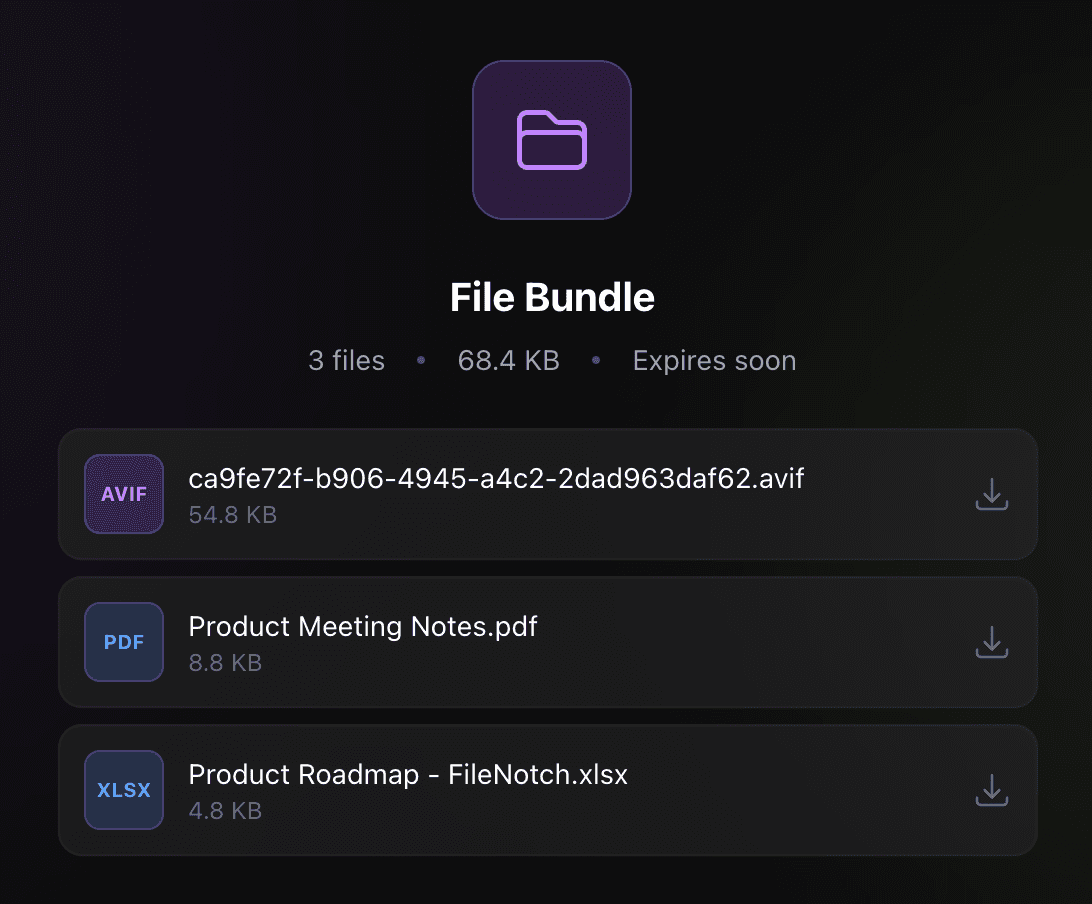
Multiple Files, One Link
Drop an entire folder or select multiple files. FileNotch bundles them into a single shareable link. Recipients can download everything at once or pick individual files.
Capture, Upload, Share
Press a hotkey to capture any area of your screen. FileNotch uploads the screenshot instantly and copies the link to your clipboard. No apps to open, no files to find.
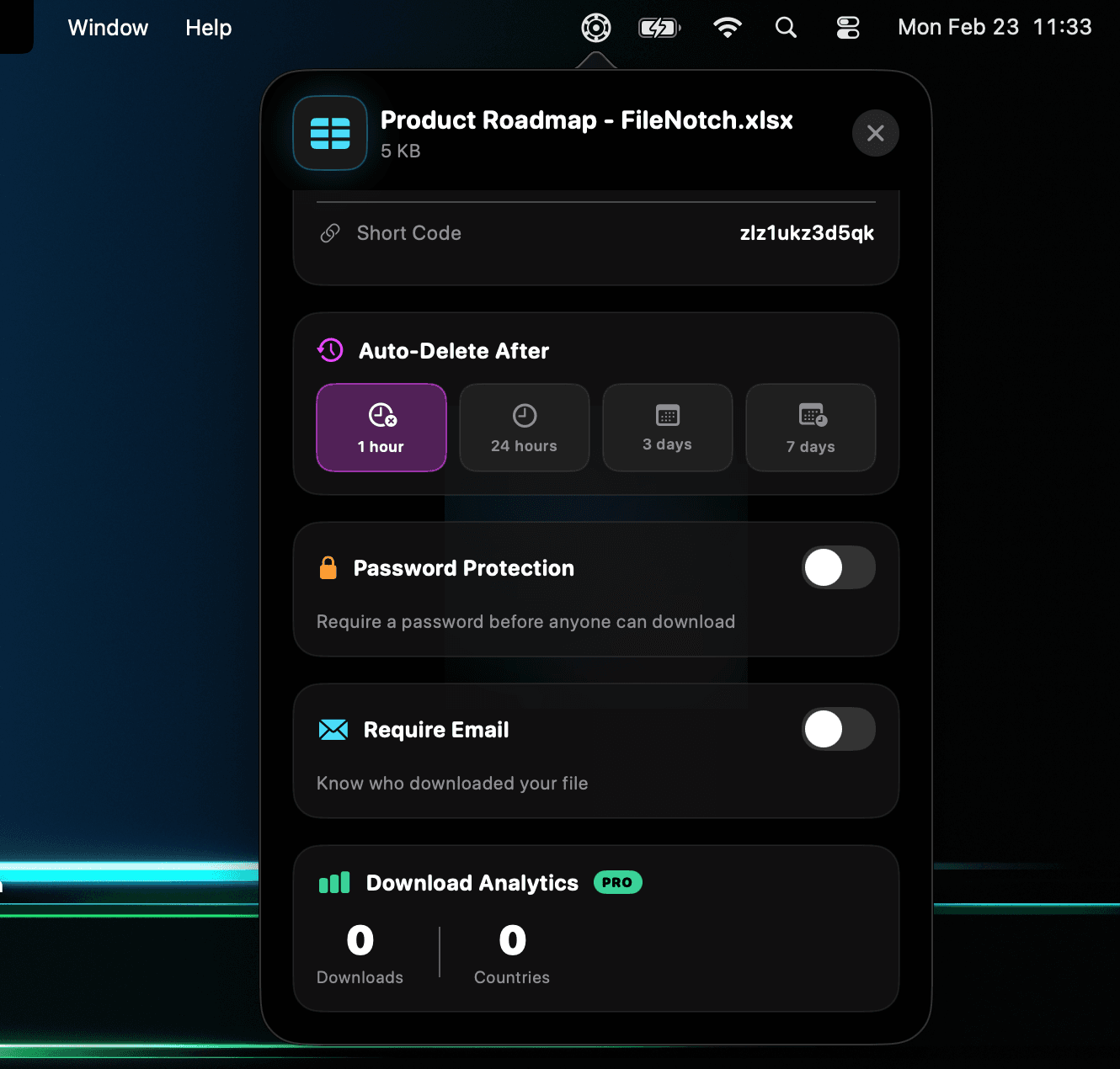
Track Every Download
See exactly how many times your files have been downloaded, when, and where. Know the moment someone opens your link, all from your menu bar.
There's More
Password Protected
Lock files with a password before sharing
Email Protected
Restrict downloads to specific email addresses
AES-256 Encryption
Client-side encryption before files leave your Mac
Custom Expiry
Set files to expire from 1 hour up to 7 days
Region Capture
Select any area of your screen to capture and share
Global Hotkey
Customizable keyboard shortcut for instant screenshots
Launch at Login
Always ready when your Mac starts up
Native Notifications
Get notified when uploads complete with quick actions
Short Links
Clean, compact share URLs for every file
File Safety Scanner
Blocks dangerous file types and spoofed extensions
Smart File Icons
Recognizes PDFs, images, videos, audio, archives, and more
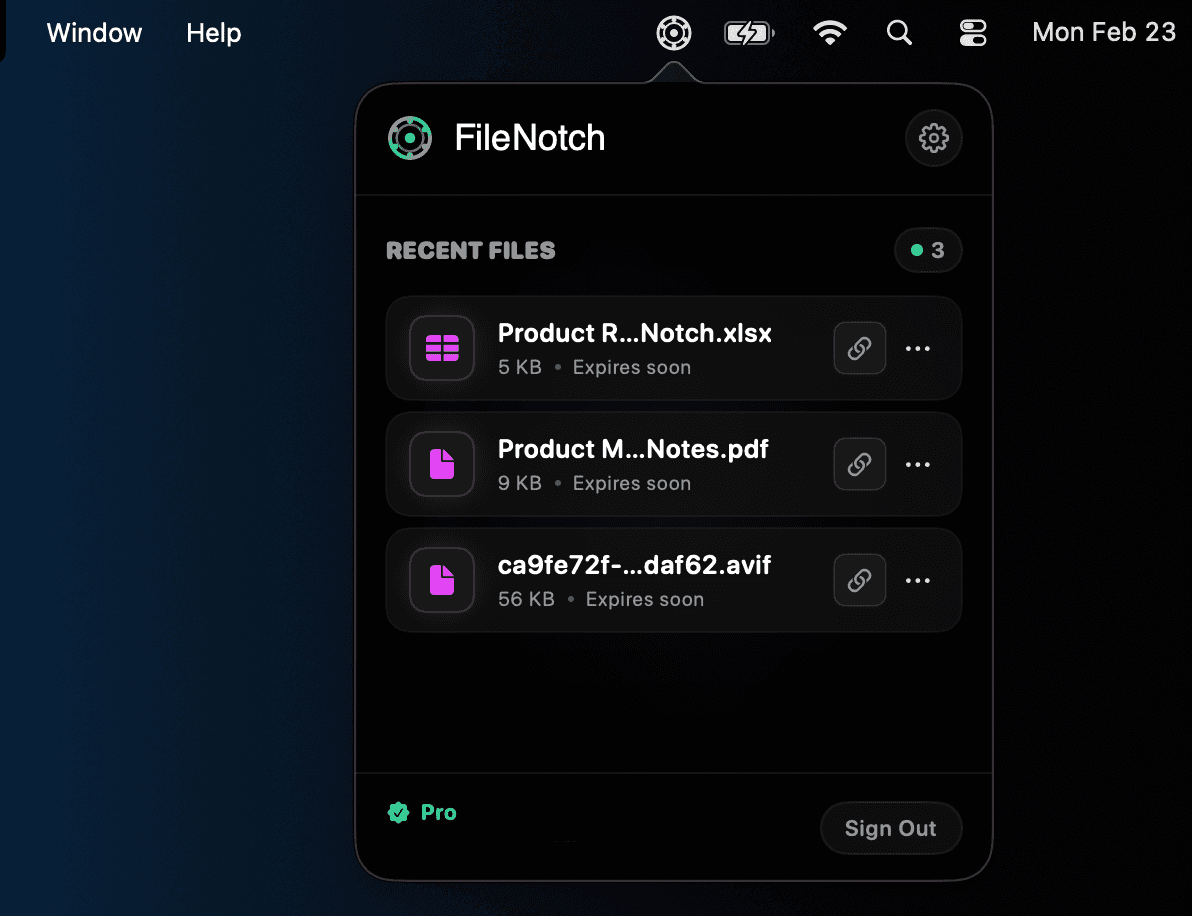
Menu Bar Access
Manage recent uploads without opening a window
Simple Pricing
Start free, upgrade when you need more.
Free
Perfect for occasional sharing
- 15 uploads per month
- 100MB max file size
- 1 hour expiry
Pro
For power users and professionals
- Unlimited uploads
- 1GB max file size
- Bundle multiple files in one link
- Custom expiry (1hr - 7 days)
- Password protect files
- Email protected files
Ready to Share Smarter?
Download FileNotch and start sharing files from your MacBook's notch.